Diode laser setup
A practical route for wood, leather and many coated blanks. Prefer an enclosed system; an open frame needs a compatible enclosure and extraction plan.
Start typing to search machines, comparisons and answers.
Laser engraving · process guide
Turn artwork, names and patterns into durable surface marks on suitable boxes, notebooks, tags and gifts.
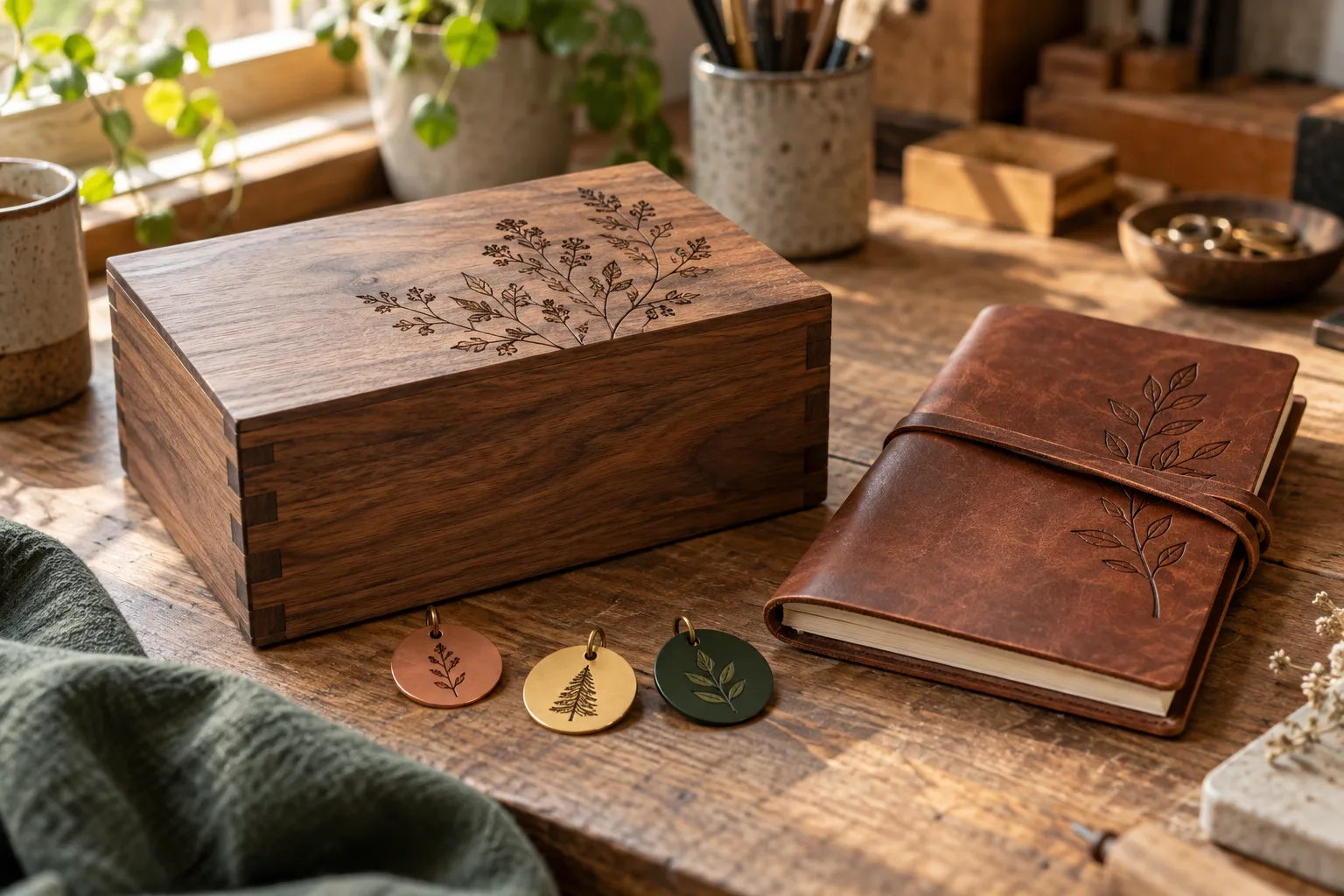
What the process does
Laser engraving removes, darkens or changes the surface of a compatible material. It is useful for repeatable personalization because one digital design can be positioned on many similar blanks.
The laser source, material coating and exhaust setup decide what is possible. A blue diode, CO₂ laser and fiber laser do not process the same surfaces in the same way, so test the exact blank before promising a result.
The workflow
Workflow reviewed 07 Oct 2026
Confirm the material and coating with the supplier. Do not process unidentified plastics or materials prohibited by the machine maker.
Set the final size, simplify small details and create a positioning template when every blank must land in the same place.
Secure the part, set focus and run a small test matrix. Material color, grain and coating can change the result.
Use the enclosure and exhaust specified by the manufacturer, supervise the job and keep the work area clear.
Remove residue using a method compatible with the material, then inspect contrast, depth and edge quality before repeating the batch.
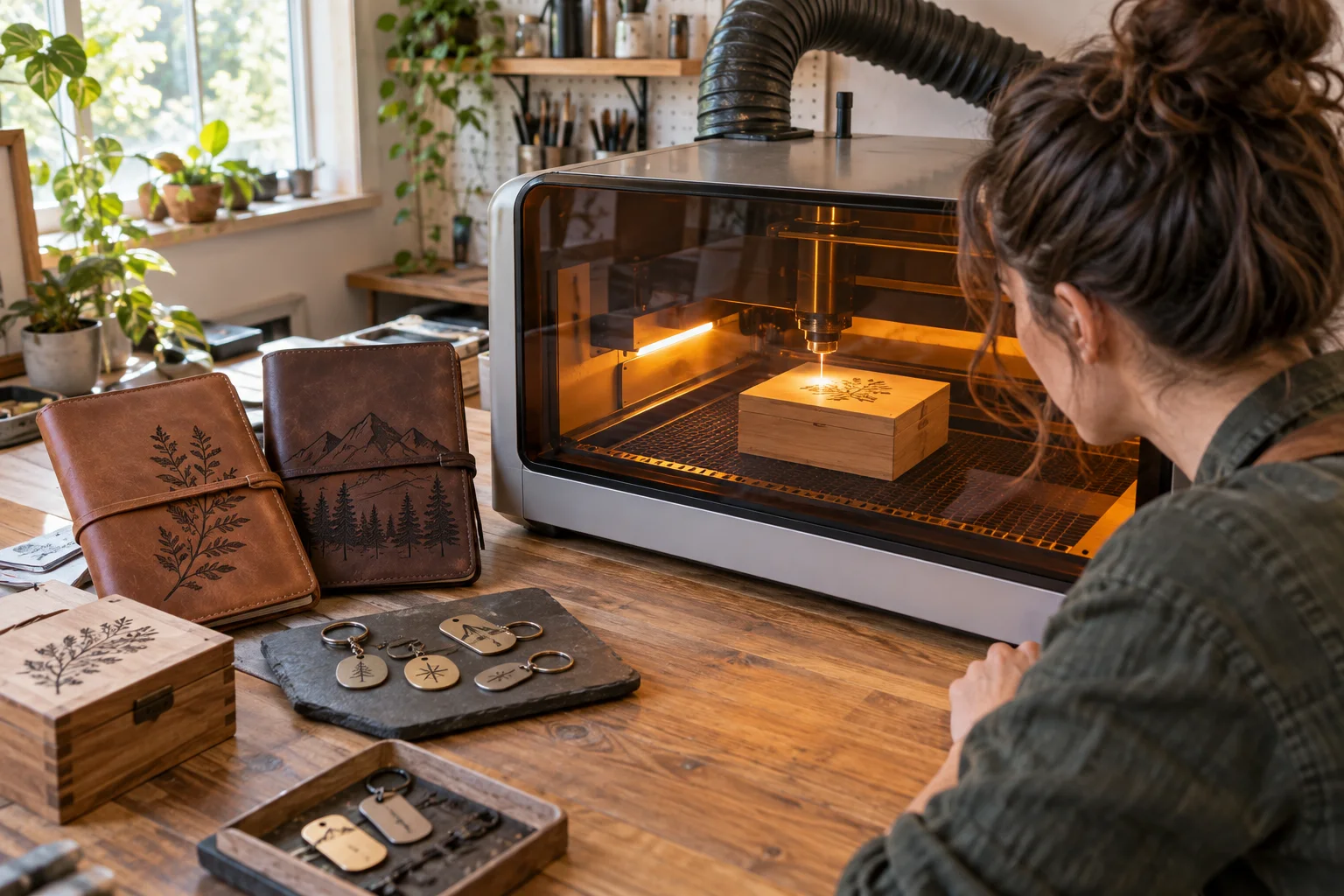
Choose the setup
A practical route for wood, leather and many coated blanks. Prefer an enclosed system; an open frame needs a compatible enclosure and extraction plan.
Relevant when engraving is combined with faster cutting of compatible non-metals or clear acrylic.
The specialist route for direct marking and engraving on many bare metals.
Before you start
For makers selling online
A good product page starts after the first successful sample: test the exact material, record the setup and leave room for inspection and finishing.
Keep a tested setting card for every material and finish you list.
Use a fixture or positioning template before accepting repeat personalization.
Inspect contrast, spelling and finish before packing each batch.
Researched starting points
These are relevant machine types from the current Atlas, not a guarantee that every material, finish or tolerance is achievable.
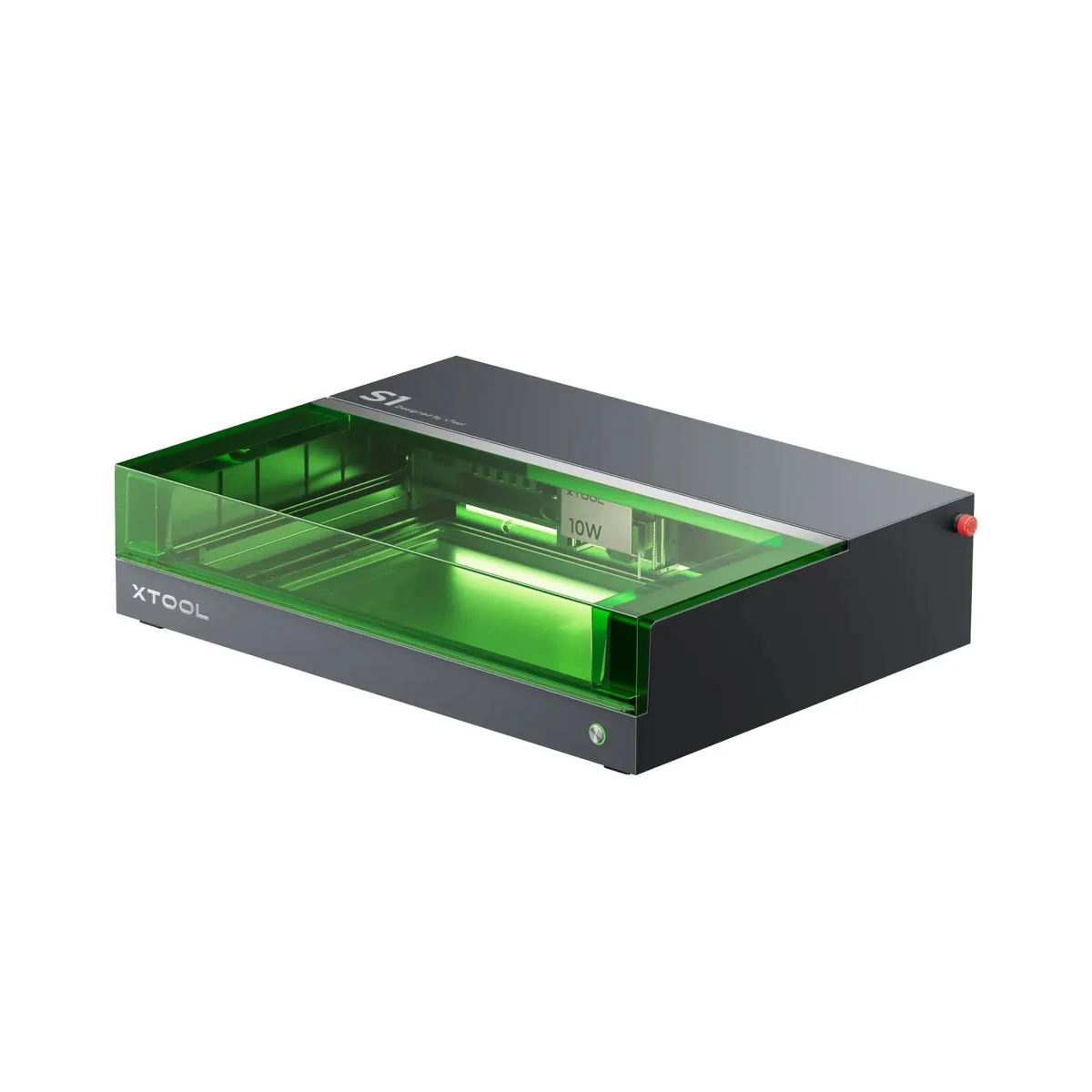
Diode laser
VerifiedxTool
xTool S1 encloses a 40 W diode laser and adds positioning aids for mixed workshop or home-business jobs.
View machine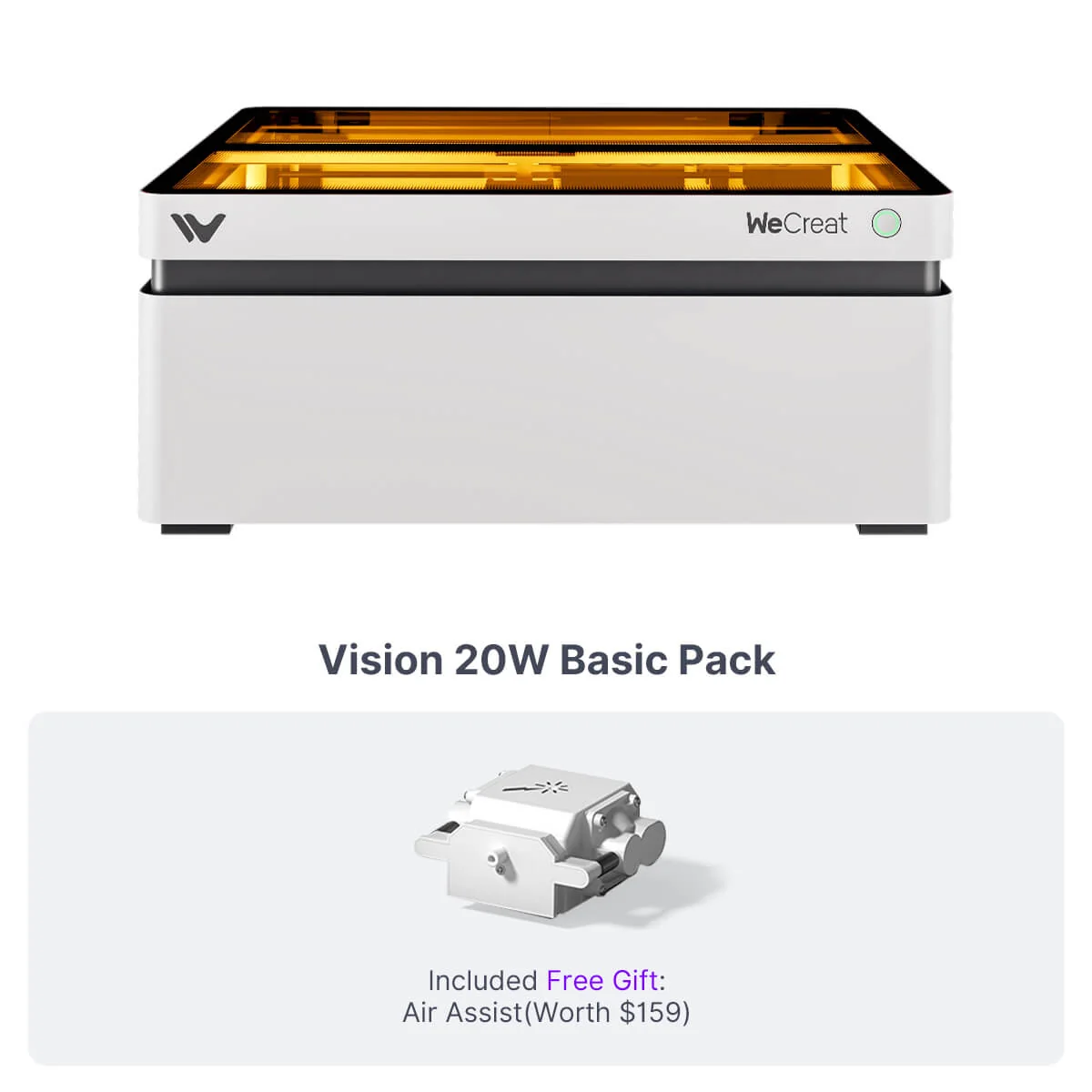
Diode laser
VerifiedWeCreat
WeCreat Vision favors guided personalization work with camera positioning, autofocus and motorized height adjustment.
View machine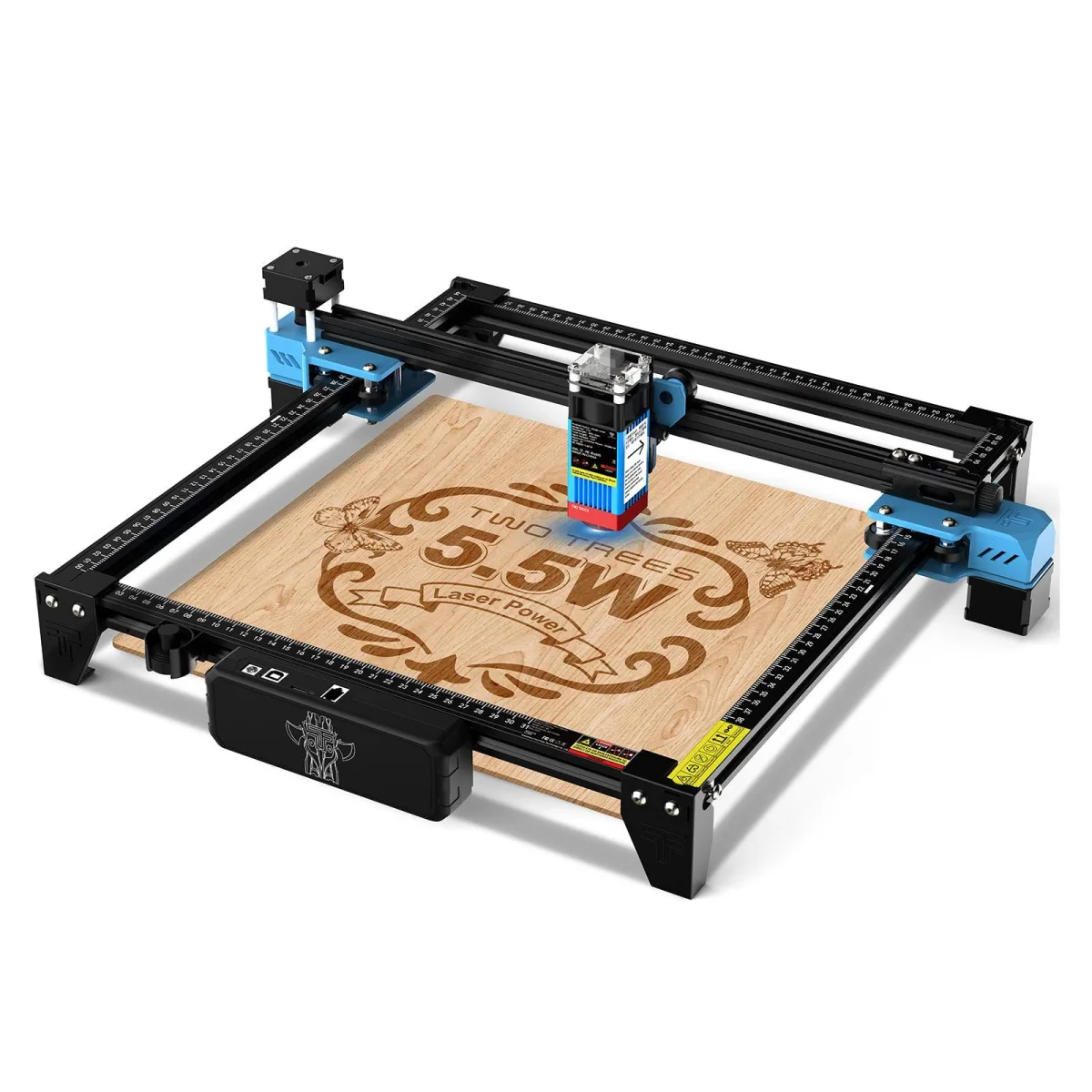
Diode laser
VerifiedTwoTrees
TwoTrees TTS-55 Pro is a basic open-frame engraver with 5.5 W optical output, Wi-Fi control and a 300 × 300 mm work area.
View machine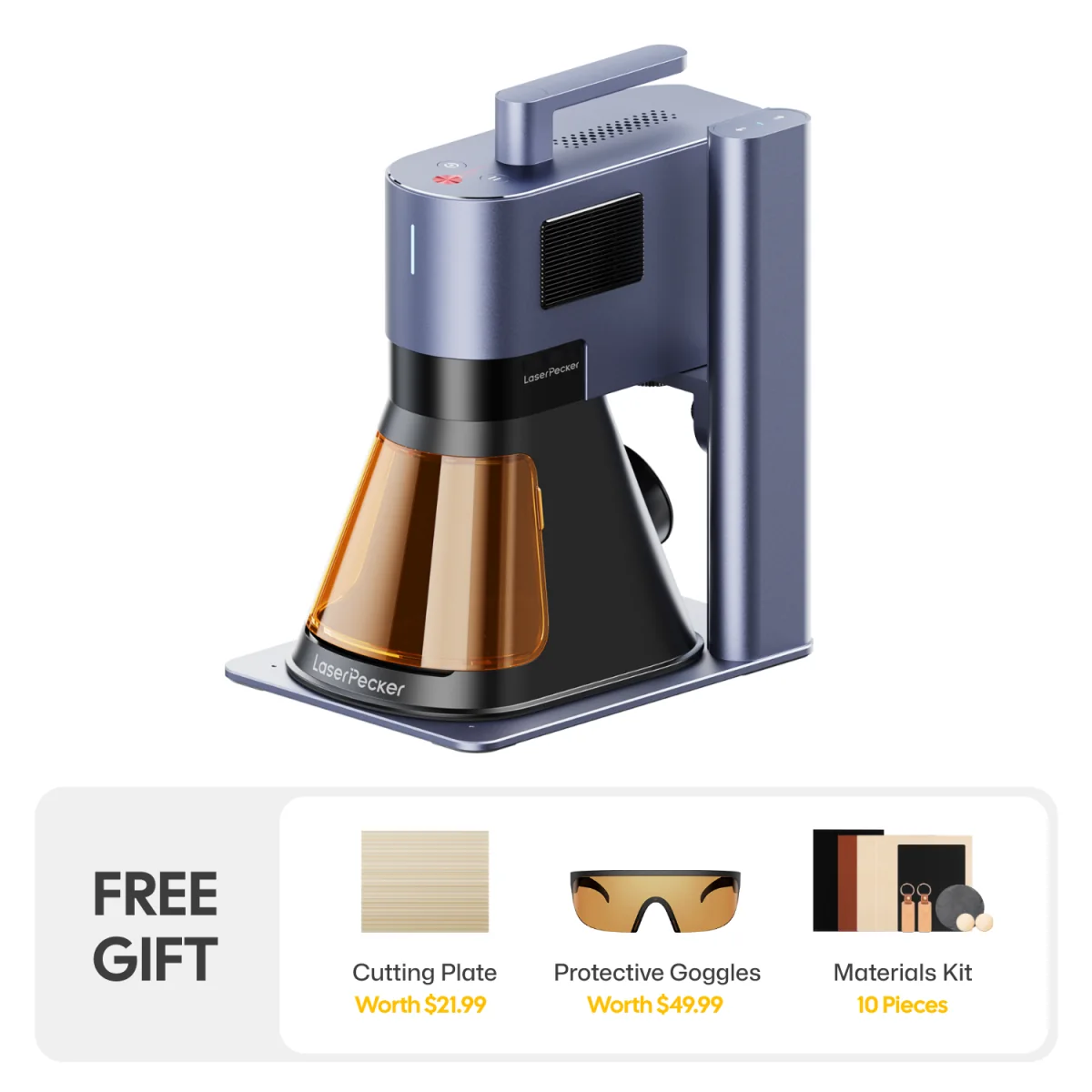
Fiber laser
VerifiedLaserPecker
LaserPecker LP5 switches between fiber and diode sources to mark bare metal as well as common organic materials.
View machineContinue your research
A practical comparison of desktop laser sources by materials, cutting, marking, footprint and installed cost.
Compare enclosed diode and CO₂ lasers by materials, extraction, camera workflow, accessory cost and repeatability.
Plan the installed cost of a laser business across machine, extraction, accessories, materials, software, safety and failed jobs.
Primary sources
Start here for process instructions, material limits and safety guidance. These links are editorial references, not affiliate links.
Trotec Laser
Design preparation, lenses, parameters, extraction and materials. Official documentation checked 07 Oct 2026.
Trotec Laser
Guidance on tests, extraction, cleaning and relief engraving. Official documentation checked 07 Oct 2026.
Trotec Laser
Compatibility and warnings for plastics that release hazardous gases. Official documentation checked 07 Oct 2026.