Desktop CNC router
Prioritizes work area and accessibility; open machines need separate plans for chips, guarding and noise.
Start typing to search machines, comparisons and answers.
CNC milling · process guide
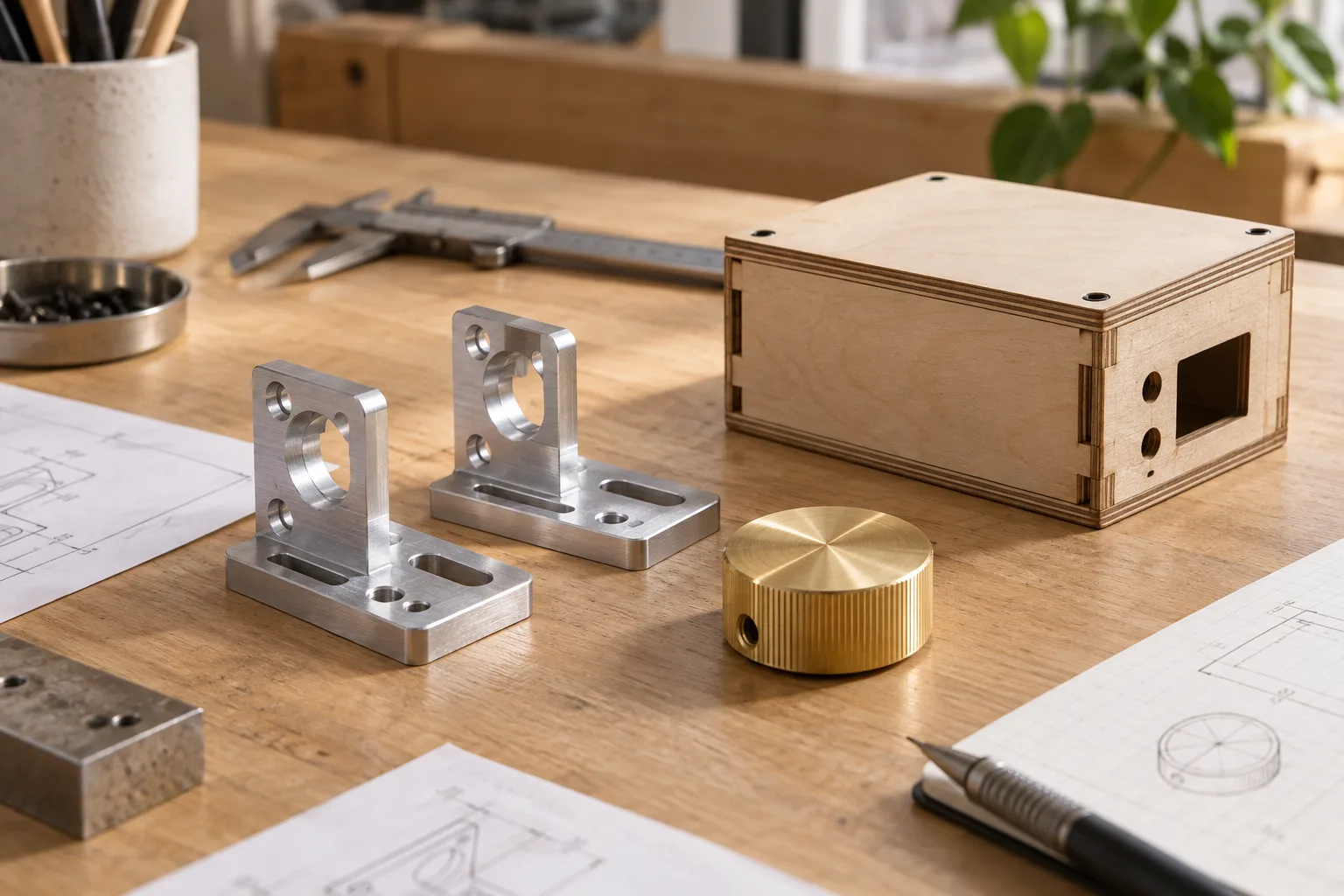
Produce brackets, enclosures, jigs and short-run components in wood, plastics or suitable metals.
What the process does
CNC milling converts a CAD model into toolpaths that remove material from solid stock. The useful result depends on rigidity, cutter choice, workholding and a machine-specific post processor.
A desktop router can be excellent for sheet goods, plastics and light metal work. A more rigid enclosed mill reduces setup friction for compact precision parts, but no material label guarantees a particular tolerance or production rate.
The workflow
Workflow reviewed 07 Oct 2026
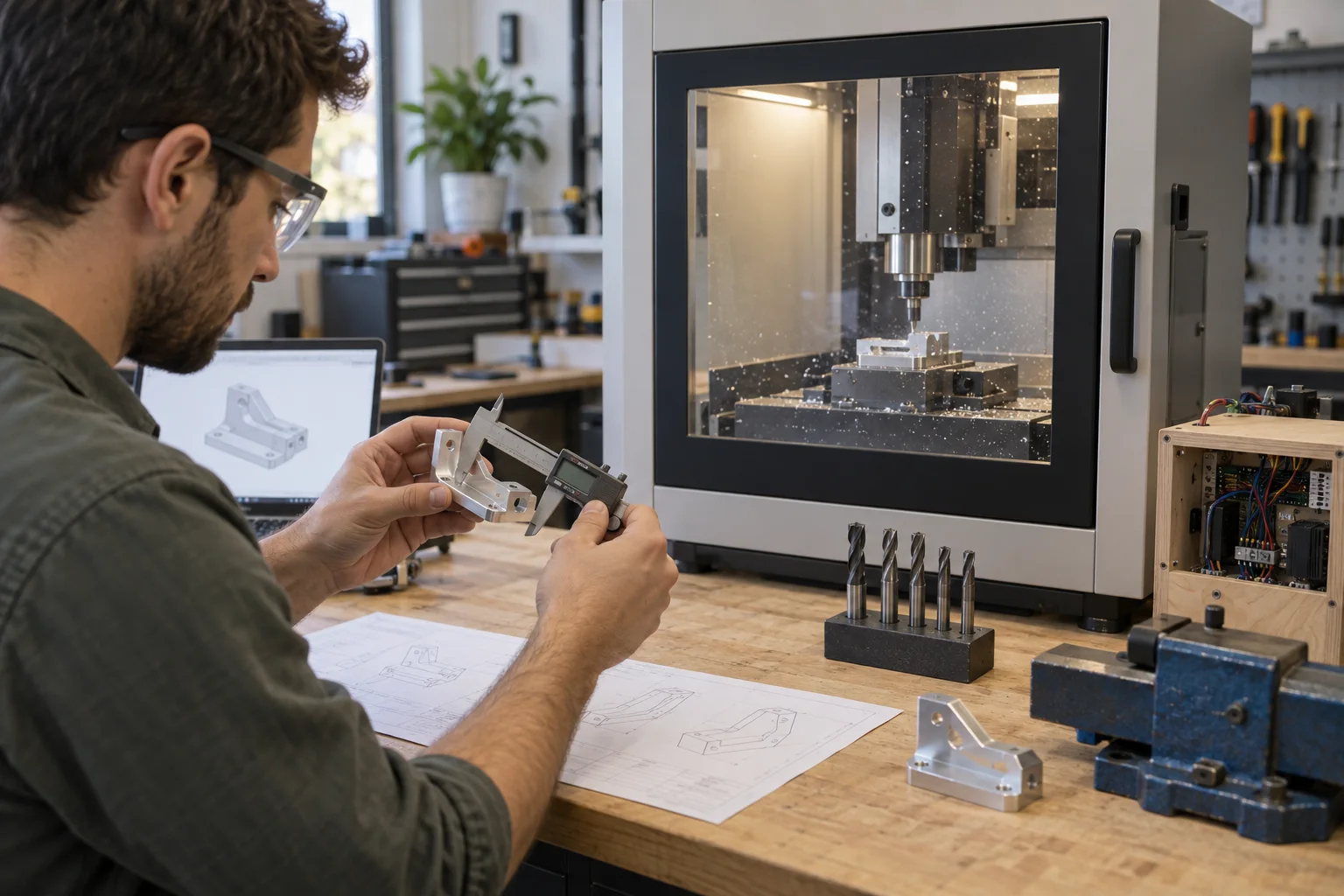
Define the finished geometry, stock size and any allowance needed for tabs, facing or a second setup.
Set the machine, work coordinate system, model, stock and safe clearances before generating toolpaths.
Plan facing, roughing, pockets, contours, holes and finishing in an order that keeps the part supported.
Generate NC code using the correct post processor, then simulate and review the toolpaths.
Secure the stock, establish the origin and measure critical dimensions after machining before repeating a batch.
Choose the setup
Prioritizes work area and accessibility; open machines need separate plans for chips, guarding and noise.
Prioritizes containment and guided setup for compact parts and mixed materials.
The post processor must match the controller; verify this before committing to a software workflow.
Before you start
For makers selling online
A good product page starts after the first successful sample: test the exact material, record the setup and leave room for inspection and finishing.
Test the critical fit on a sample before publishing a dimensional claim.
Include setup and inspection time in every production estimate.
Keep a record of stock, cutter, workholding and program revision for repeat jobs.
Researched starting points
These are relevant machine types from the current Atlas, not a guarantee that every material, finish or tolerance is achievable.
Desktop CNC
VerifiedMakera
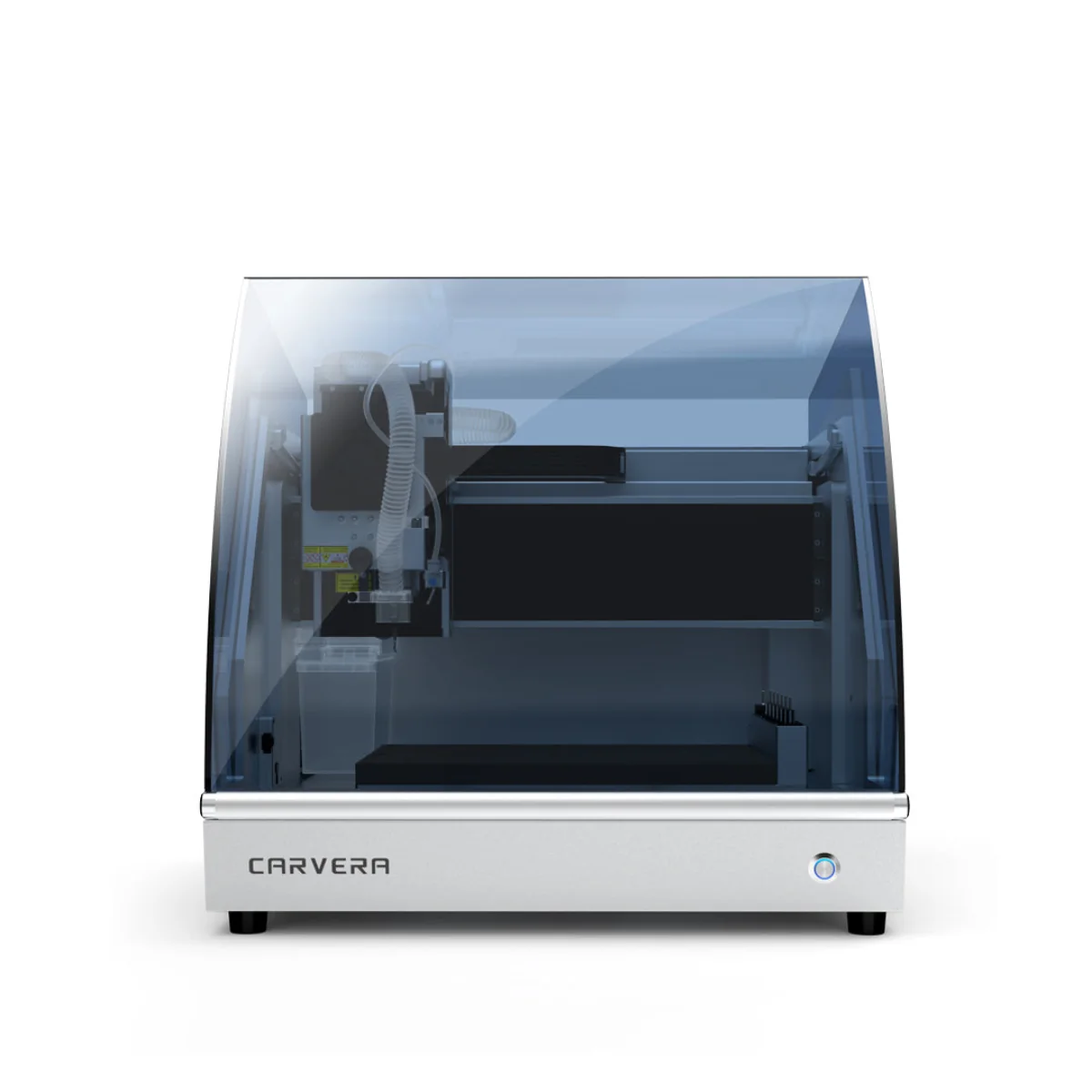
Carvera adds a larger work area and optional fourth-axis machining to Makera’s enclosed, automated CNC format.
View machine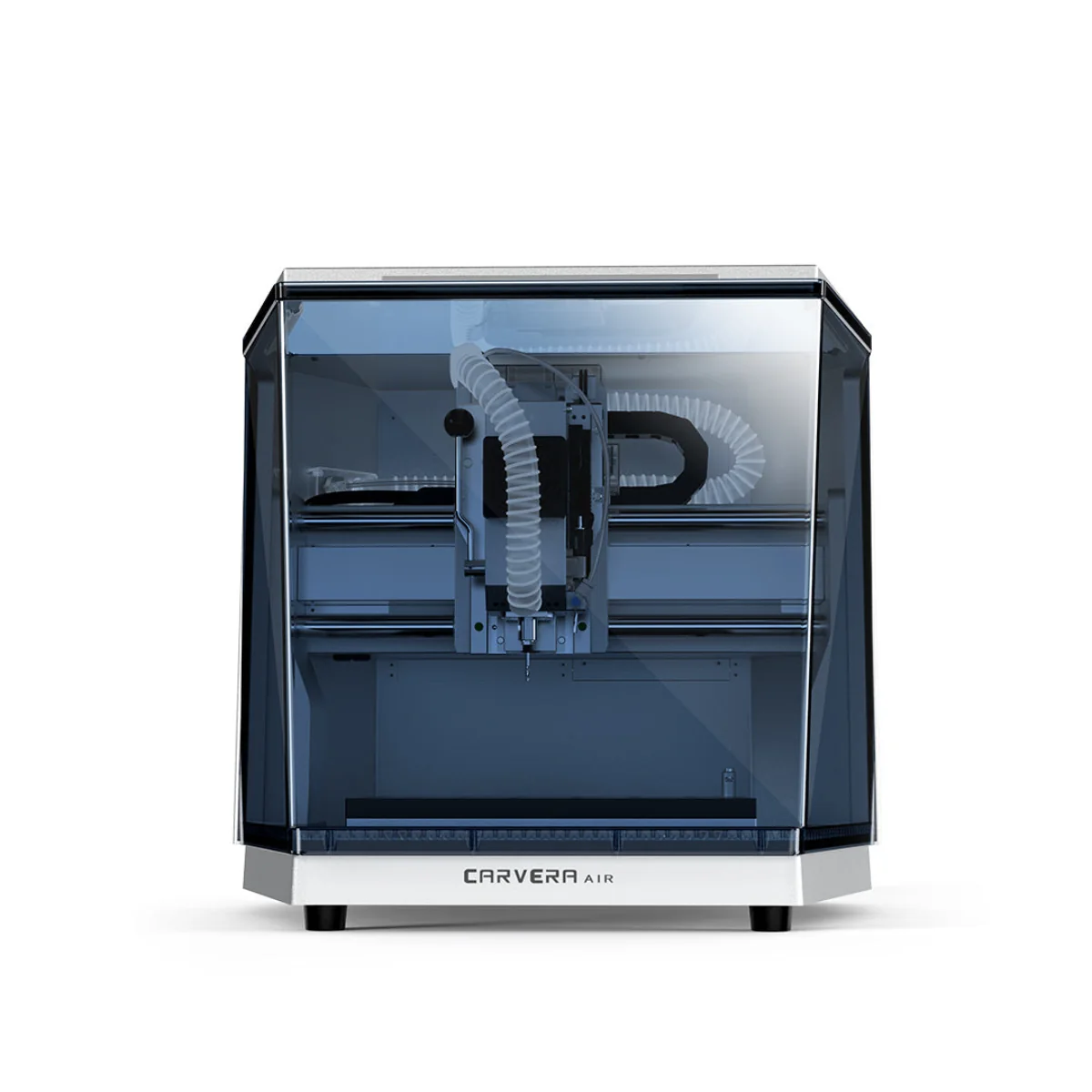
Desktop CNC
VerifiedMakera
Carvera Air packs automatic probing and tool changing into an enclosed CNC sized for a compact workshop.
View machine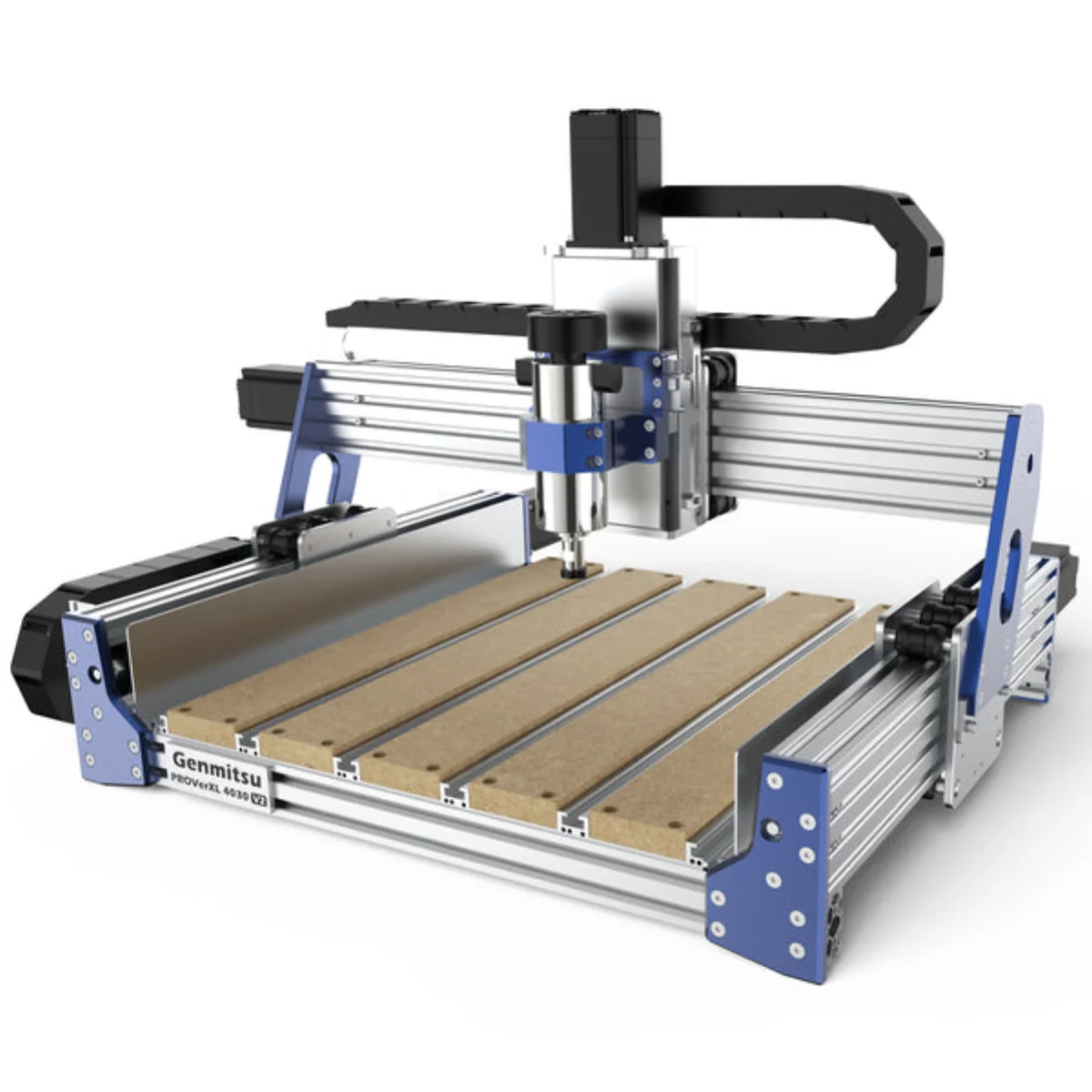
Desktop CNC
VerifiedGenmitsu
PROVerXL 4030 V2 trades an enclosure for more work area, easier access and room to upgrade the frame or spindle.
View machine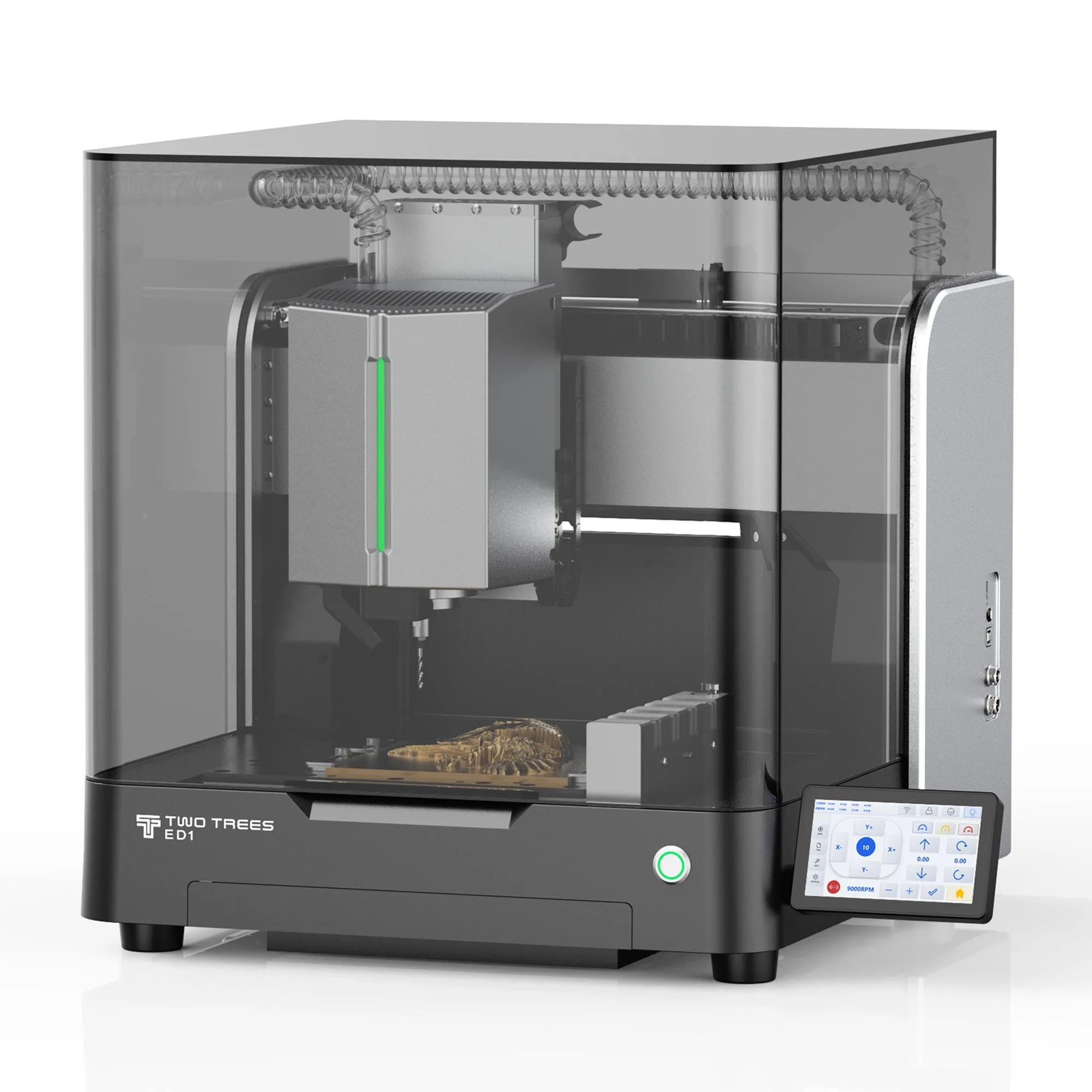
Desktop CNC
VerifiedTwoTrees
TwoTrees ED1 combines a 600 W spindle, five-tool automatic changer and a 300 × 200 × 120 mm work area in an enclosed desktop CNC.
View machineContinue your research
Compare enclosed and open desktop CNC machines for aluminum by rigidity, spindle, automation, workholding and extraction.
Compare desktop CNC machines for repeatable small batches by automation, workholding, containment, spindle capability and complete setup cost.
Choose a compact CNC by enclosure, footprint, noise, extraction, setup time and the parts you actually need to make.
Primary sources
Start here for process instructions, material limits and safety guidance. These links are editorial references, not affiliate links.
Autodesk Fusion
Machine, work coordinates, model and stock setup. Official documentation checked 07 Oct 2026.
Autodesk Fusion
Toolpaths and machine-specific post processors. Official documentation checked 07 Oct 2026.
OSHA
Official guidance on local exhaust and dust collection. Official documentation checked 07 Oct 2026.