CO₂ laser
Best aligned with clear acrylic and faster sheet cutting across a broad range of compatible non-metals.
Start typing to search machines, comparisons and answers.
Laser cutting · process guide
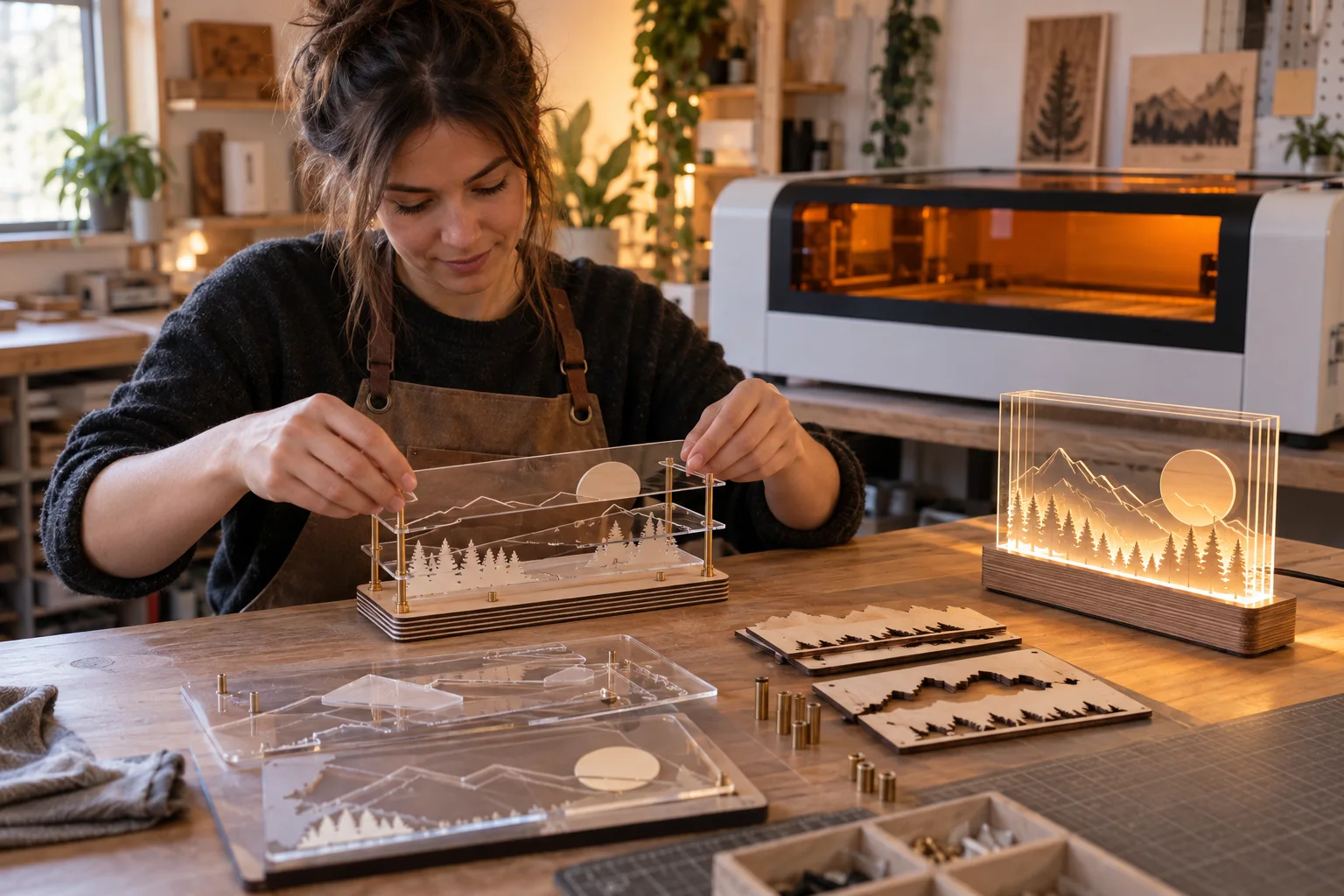
Turn compatible sheet materials into layered signs, acrylic displays, lamps and decorative assemblies.

What the process does
Laser-cut objects start as flat parts. The design must account for material thickness, tabs, slots, kerf and the order in which the pieces are assembled.
A CO₂ laser is the normal desktop route for clear acrylic. Blue-diode machines suit many woods and some dark or opaque acrylics, but compatibility must be confirmed for the exact sheet.
The workflow
Workflow reviewed 07 Oct 2026
Draw closed vector paths and add joints, slots or spacers. Keep the finished assembly and fastening method in mind.
Identify material, thickness and laser compatibility. Never assume an unknown plastic is safe to cut.
Cut a small fit gauge first. Adjust slots and tabs to the actual kerf and sheet thickness.
Use the correct bed, extraction and manufacturer settings as a starting point. Supervise the entire cut.
Remove protective film when appropriate, clean edges and dry-fit before bonding or adding hardware.
Choose the setup
Best aligned with clear acrylic and faster sheet cutting across a broad range of compatible non-metals.
Works for many wood products and selected opaque sheets when the exact material is supported.
Useful when a printed graphic must be aligned to a contour cut.
Before you start
For makers selling online
A good product page starts after the first successful sample: test the exact material, record the setup and leave room for inspection and finishing.
Price from tested cut time, cleanup and assembly—not sheet cost alone.
Keep a kerf gauge for each material and thickness you sell.
Prototype packaging before committing to fragile or layered designs.
Researched starting points
These are relevant machine types from the current Atlas, not a guarantee that every material, finish or tolerance is achievable.
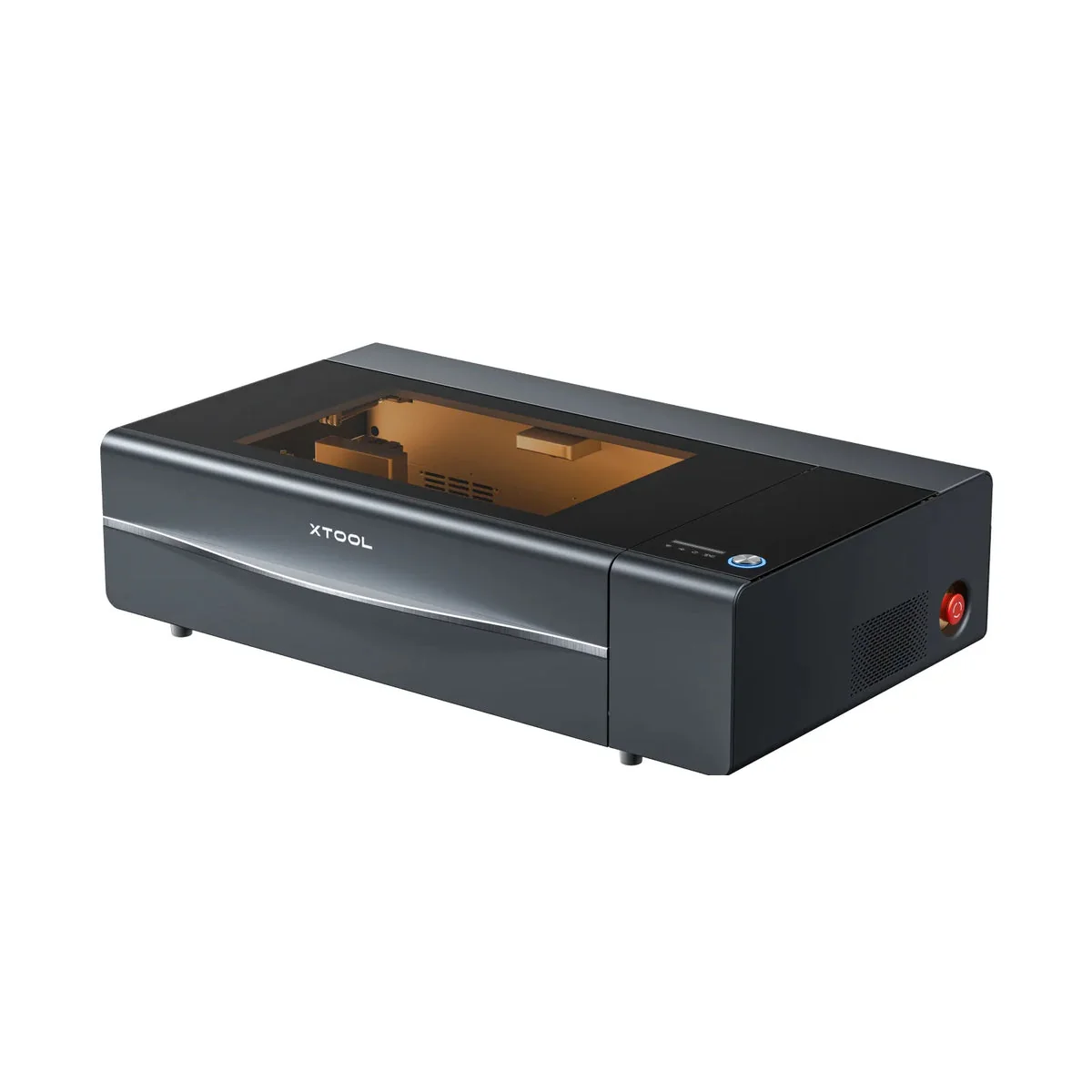
CO₂ laser
VerifiedxTool
xTool P2S combines a CO₂ source, dual cameras and an enclosed bed for faster cutting and more involved production setups.
View machine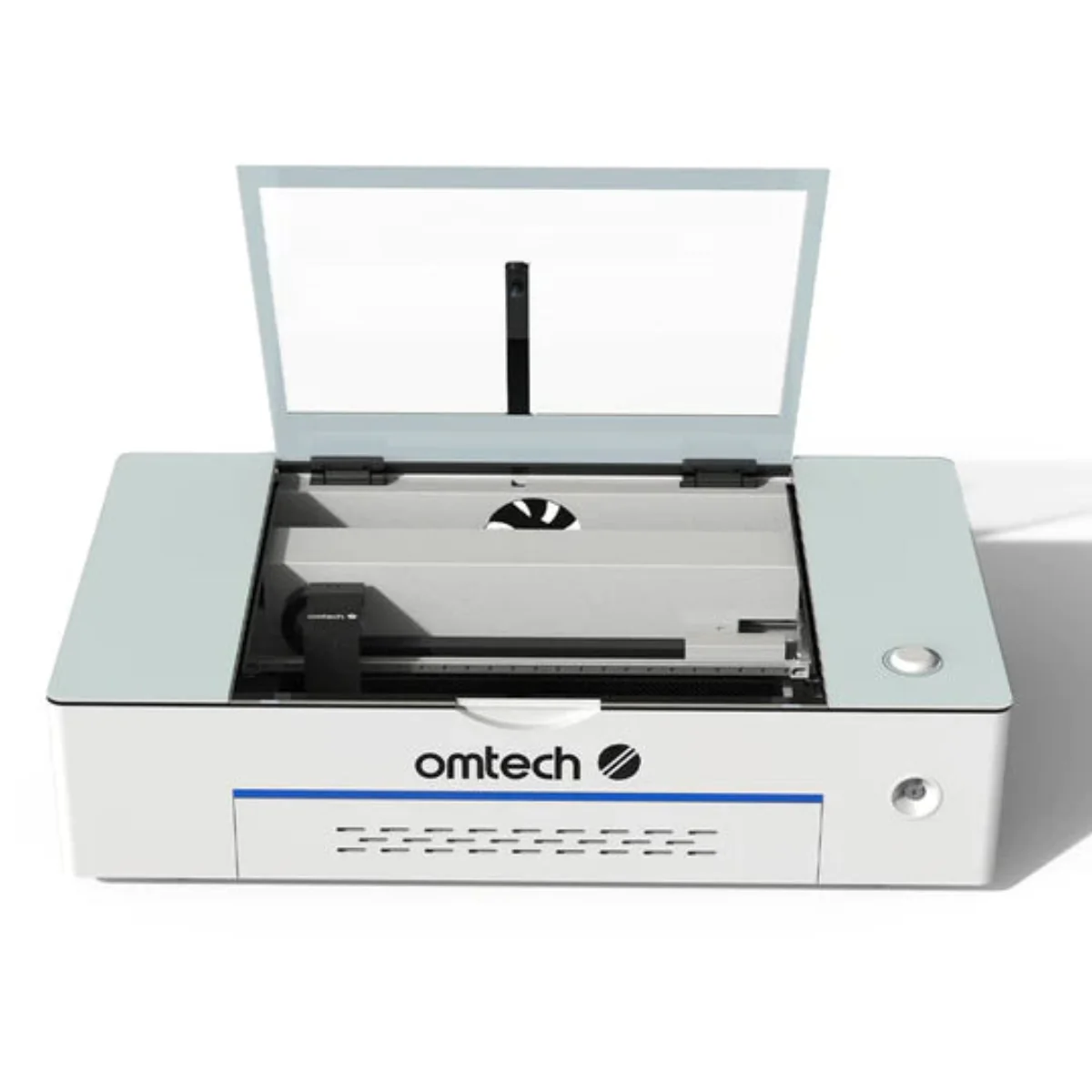
CO₂ laser
VerifiedOMTech
OMTech Polar bundles a CO₂ laser, camera positioning, rotary capability and cooling into one desktop package.
View machine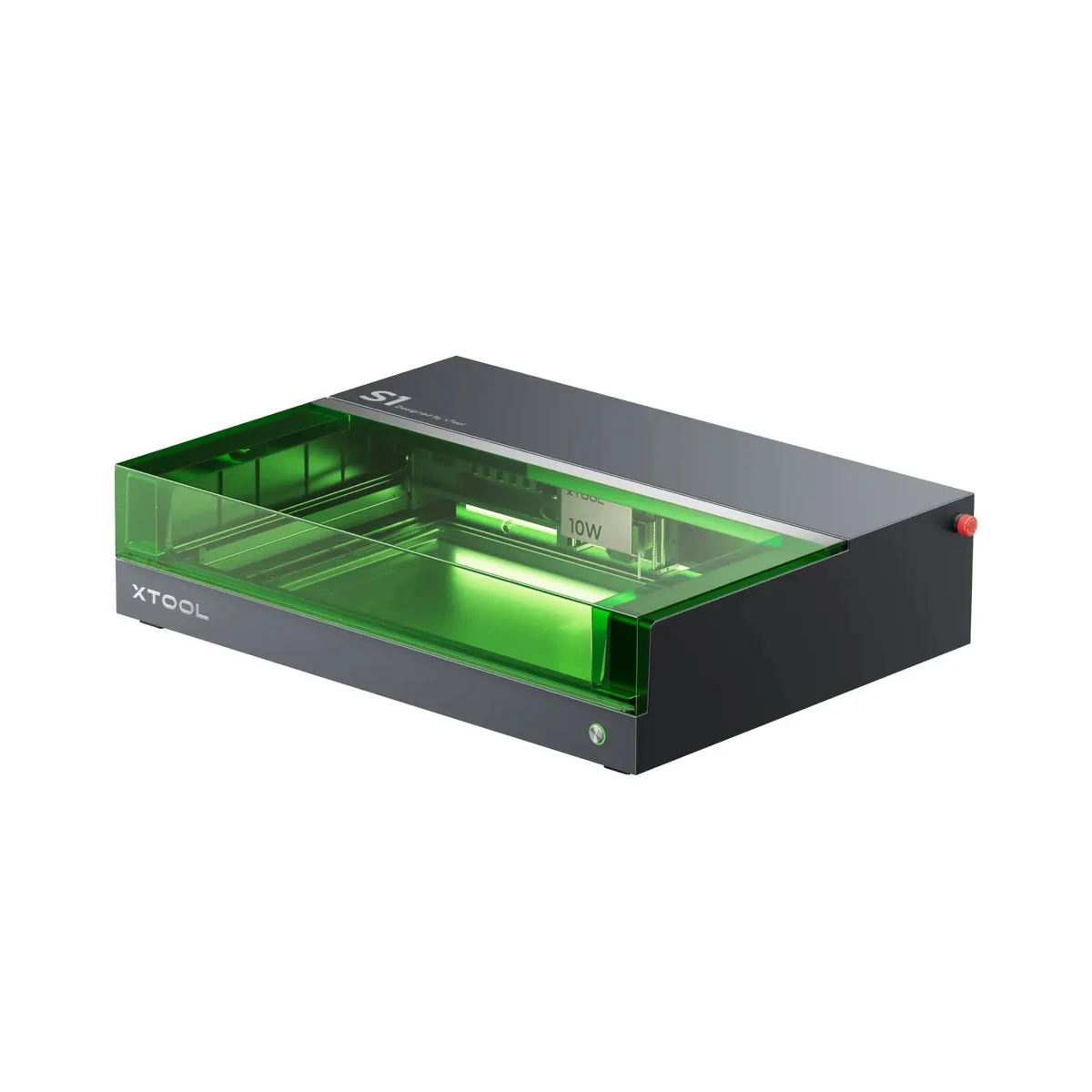
Diode laser
VerifiedxTool
xTool S1 encloses a 40 W diode laser and adds positioning aids for mixed workshop or home-business jobs.
View machine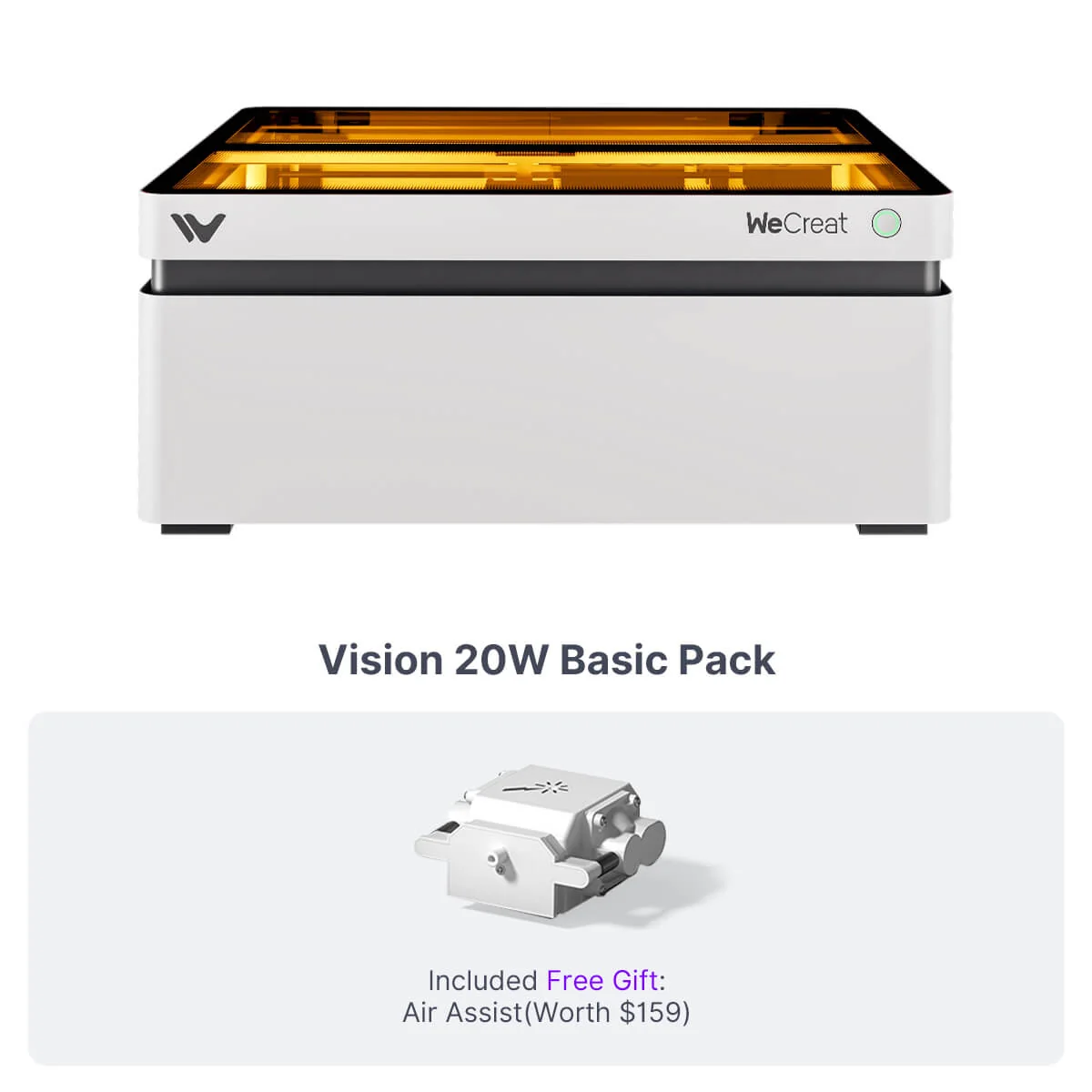
Diode laser
VerifiedWeCreat
WeCreat Vision favors guided personalization work with camera positioning, autofocus and motorized height adjustment.
View machineContinue your research
Compare desktop lasers for acrylic by source type, clear-material support, work area, extraction and installed setup cost.
Compare enclosed diode and CO₂ lasers by materials, extraction, camera workflow, accessory cost and repeatability.
A practical comparison of desktop laser sources by materials, cutting, marking, footprint and installed cost.
Primary sources
Start here for process instructions, material limits and safety guidance. These links are editorial references, not affiliate links.
Trotec Laser
Contour cutting of printed acrylic, wood, board and display materials. Official documentation checked 07 Oct 2026.
Trotec Laser
Cast and extruded acrylic, lenses, beds, airflow and extraction. Official documentation checked 07 Oct 2026.
Trotec Laser
Material compatibility and hazardous-material warnings. Official documentation checked 07 Oct 2026.